Best CAM Software for Creating decorative 2.5D carvings & importing 3D models
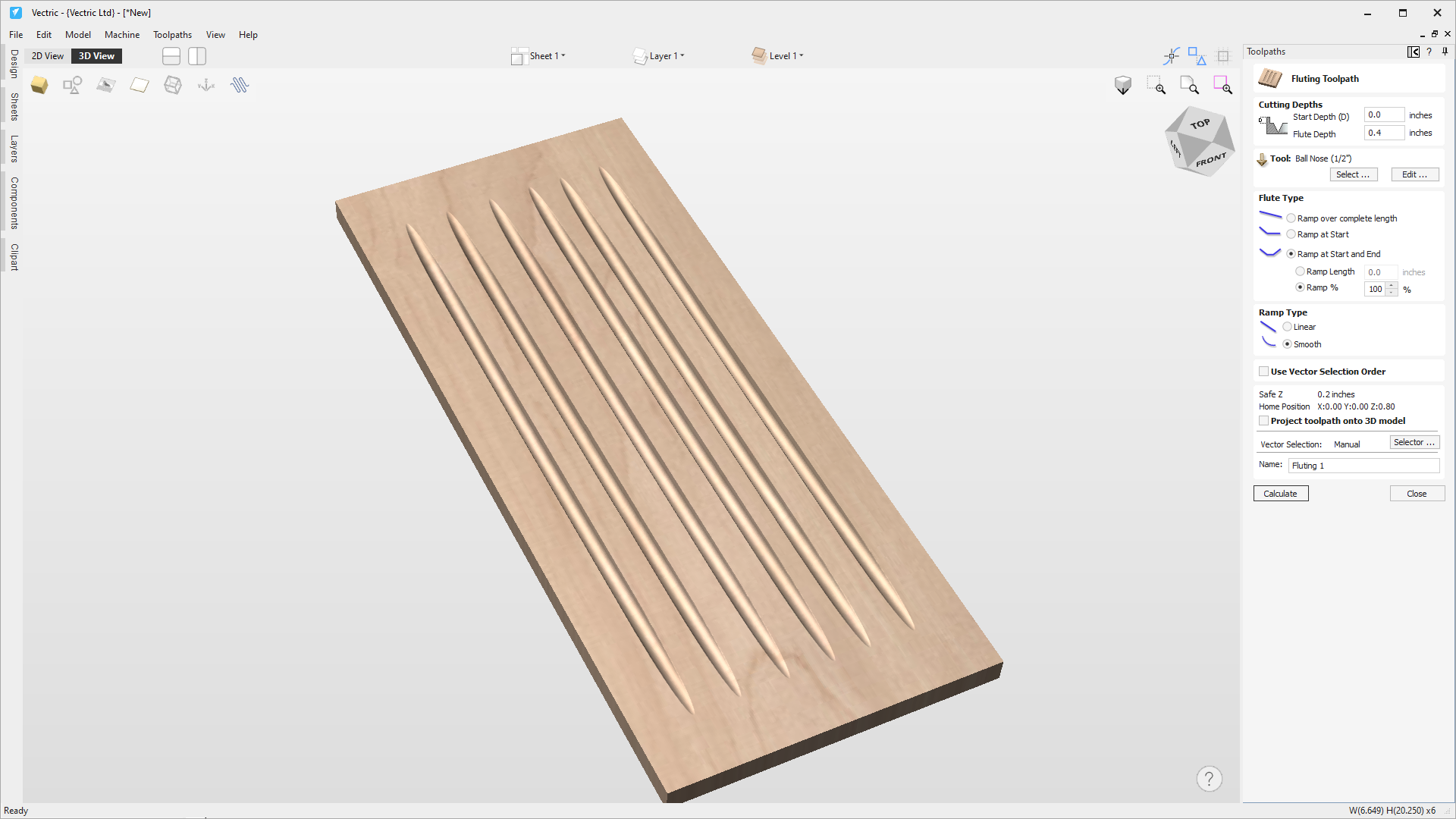
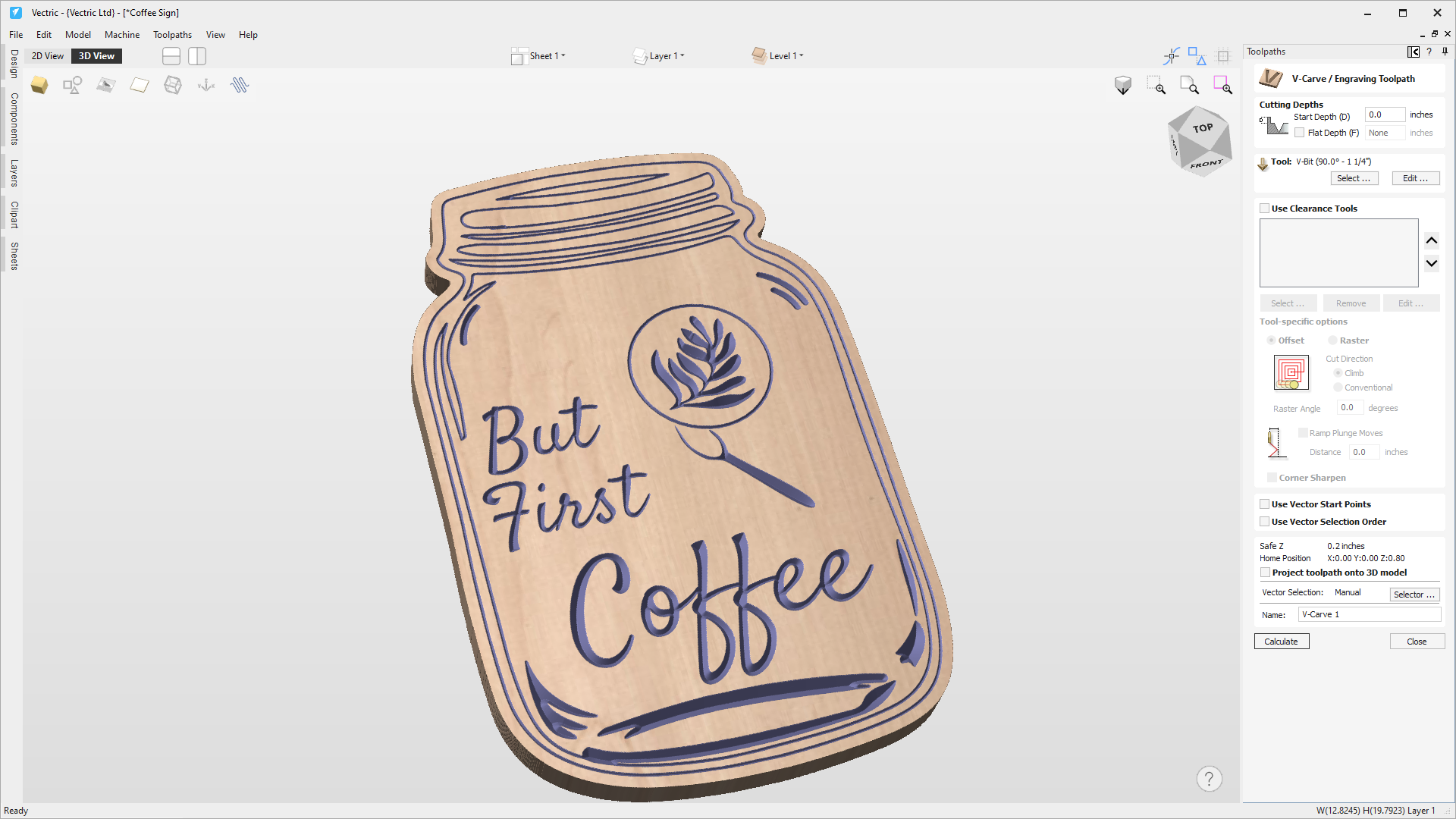
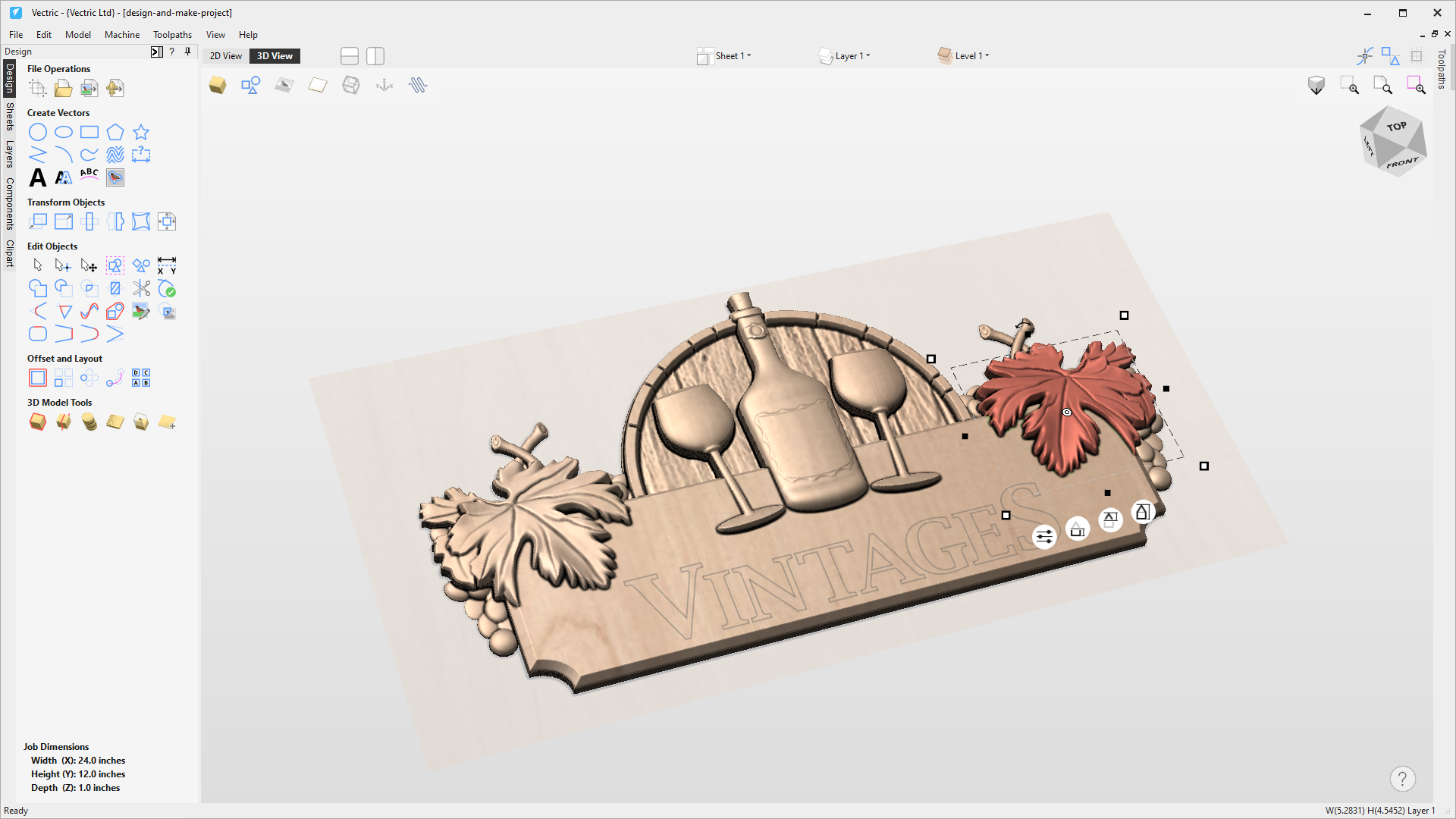
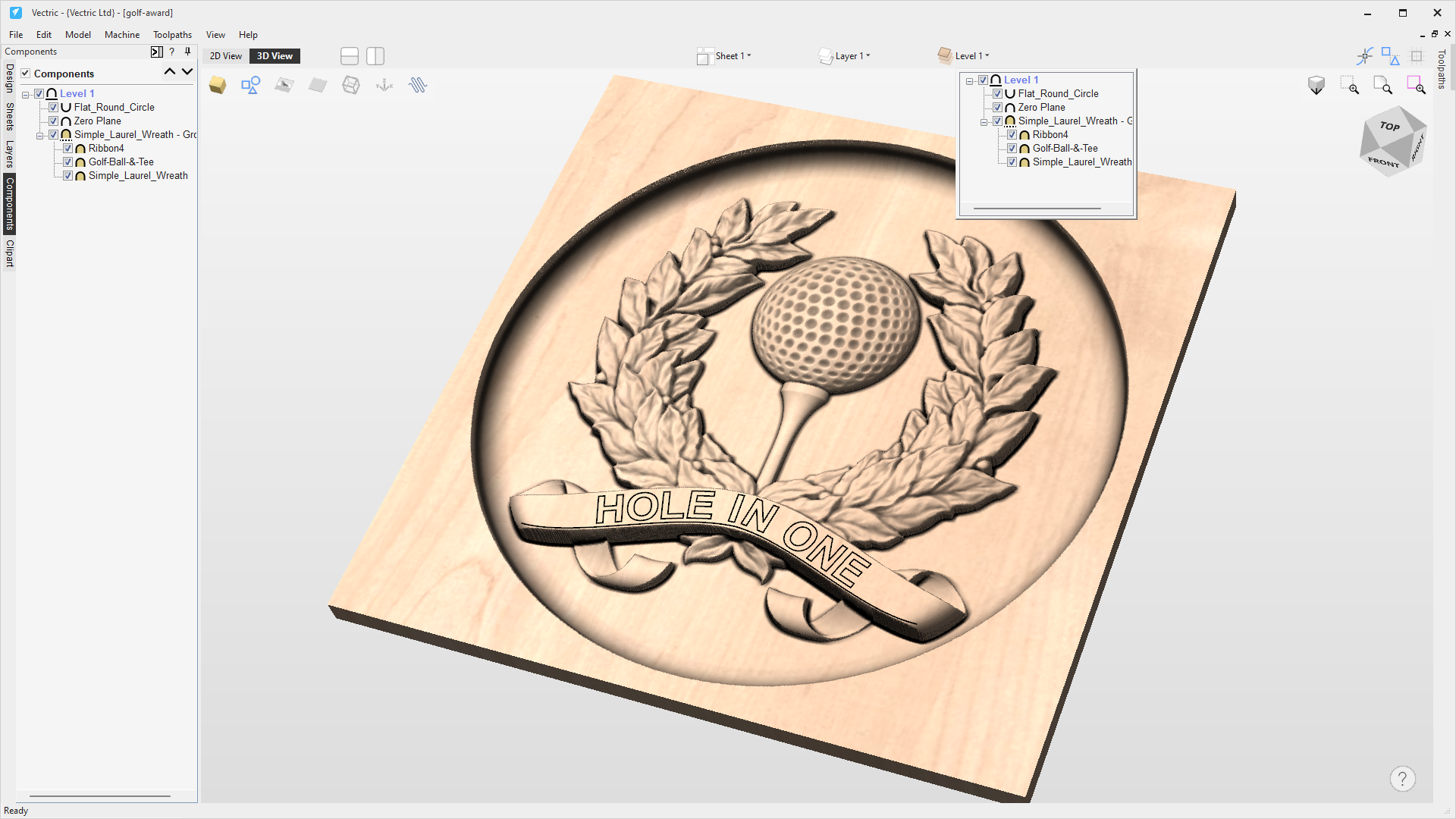
Built on the same intuitive interface as Cut2D, VCarve pro gives you the power to produce 2.5D toolpaths including; v-carving, chamfer, fluting, prism and moulding toolpaths as well as the ability to import and machine a 3D model.
Drawing & Layout Tools
Machine Parts on Two Sides
Machine Wrapped Rotary Parts
Toolpaths
Other Features
Pro Edition Features
Computer system requirement
Vectric products require a modern Windows operating system (Windows 7, 8/8.1, 10 or 11). This can include Macs using Parallels, but Vectric’s ability to provide technical support for some configurations may be limited.
Fully functional free trials
Software’s free trials allow you to test all the elements of the software with the exception of performing some export functions, saving the toolpaths and using gadgets. Click vectric.com to start.
Product upgrade for just the difference in price
You can upgrade to a different product at any time by simply paying the price difference. Please visit vectric.com/compare/ to compare software features and explore your upgrade options.
Your upgrade could be free!
Any major version of the software released within 12 months of you purchasing the software is supplied free of charge.
Minor updates are always free to anyone who has the same major version.
Carvemate CNC is an authorized distributor of Vectric software. When you purchase through us, you receive full entitlement to the software and the same direct technical support from the Vectric team. Vectric will provide all customer assistance. For access to additional resources, tutorials, and information, please visit Vectric.com.